How to Save Useful Family and Home Articles for Later


How to save useful family and home articles for later is a skill that turns scattered links into a calm, reliable reference. Busy households find dozens of helpful pages weekly: recipes, safety checklists, repair guides, and kids’ activities. This article shows a simple, repeatable system: pick the right items to keep, use one synced tool, make an intuitive folder and tag setup, keep everything available offline, and form short weekly habits that prevent digital clutter.
Key Takeaways
- Saving useful family and home articles with a simple, synced tool reduces stress and saves time by preserving repeatable, evergreen content like recipes and repair guides.
- Use one read-it-later app for full-text offline access and one bookmark manager for curated folders to organize your saved articles effectively.
- Create a two-level system with broad collections and up to four precise tags per article to ensure quick and easy retrieval without clutter.
- Keep saved articles accessible across devices by enabling offline download and periodically exporting key project pages as PDFs for longer-term reference.
- Develop a weekly 15–30 minute habit to tag, organize, star, and declutter saved items, preventing digital overload and maintaining an efficient library.
- Focus on saving articles that will be reused or referenced multiple times, while avoiding time-sensitive or single-use content to keep your collection relevant and functional.
Why Saving Family And Home Articles Matters And What To Keep
Fact first: saving the right articles saves time and prevents future stress. Families hit a wall when useful how‑tos disappear, lost recipes, half-remembered repair steps, and activities saved only in social feeds. She should keep evergreen, actionable items: step‑by‑step repair guides, long-term project plans, safety checklists, budgeting templates, and repeatable recipes.
What to avoid is equally important. Time‑sensitive news, trending listicles with short shelf life, and single-use coupons clutter the collection. For example, a wound‑care checklist or a furnace maintenance guide remains useful for years: a seasonal sale page does not.
Concrete rule: if an article will be re-read more than twice over 12 months, save it. If it teaches a process (how to patch drywall, how to teach times tables), keep it. If it’s an idea that will be reused (weeknight dinners, chore charts), tag it as reusable.
Real moment: one parent saved a toddler craft idea in a chaotic browser and spent an hour hunting for it before bedtime. After setting a simple folder system, they found the craft in 30 seconds next time, a direct 30‑minute time recovery that evening. That kind of small gain compounds: recovered minutes become calmer evenings and fewer missed fixes.
Best Tools To Use Right Now And A Quick Setup Guide
Answer first: use one primary read‑it‑later app plus a bookmark manager for depth. Read‑it‑later apps like Instapaper, Readwise Reader, or Matter save full text and enable offline access. Bookmark managers such as Raindrop.io or Marqly organize dozens of links and preview thumbnails.
Quick setup: pick one read‑it‑later app and one bookmark manager. Install the browser extension and mobile app, create a single account, and enable sync. Test by saving a recipe from the phone and a maintenance guide from the desktop. If both appear in the app within seconds, sync works.
Practical tip: use the read‑it‑later app for long reads and offline use: use the bookmark manager for curated collections and visual folders. This division prevents doubling entries and keeps the saved pool small and useful.
Contextual resource: readers who want a roadmap to family, lifestyle, and home content can connect saved items back to the site’s pillar overview with a short curated link. For reference to the broader content strategy, see a short guide on the site’s blog for organizing content around family topics in one place using focused categories and collections: site overview.
Tool checklist: install app extensions, enable full‑text saving, test offline downloads, and pin the apps to the home screen. This takes 10–15 minutes and prevents future friction.
How To Create A Simple Tagging And Folder System That Works
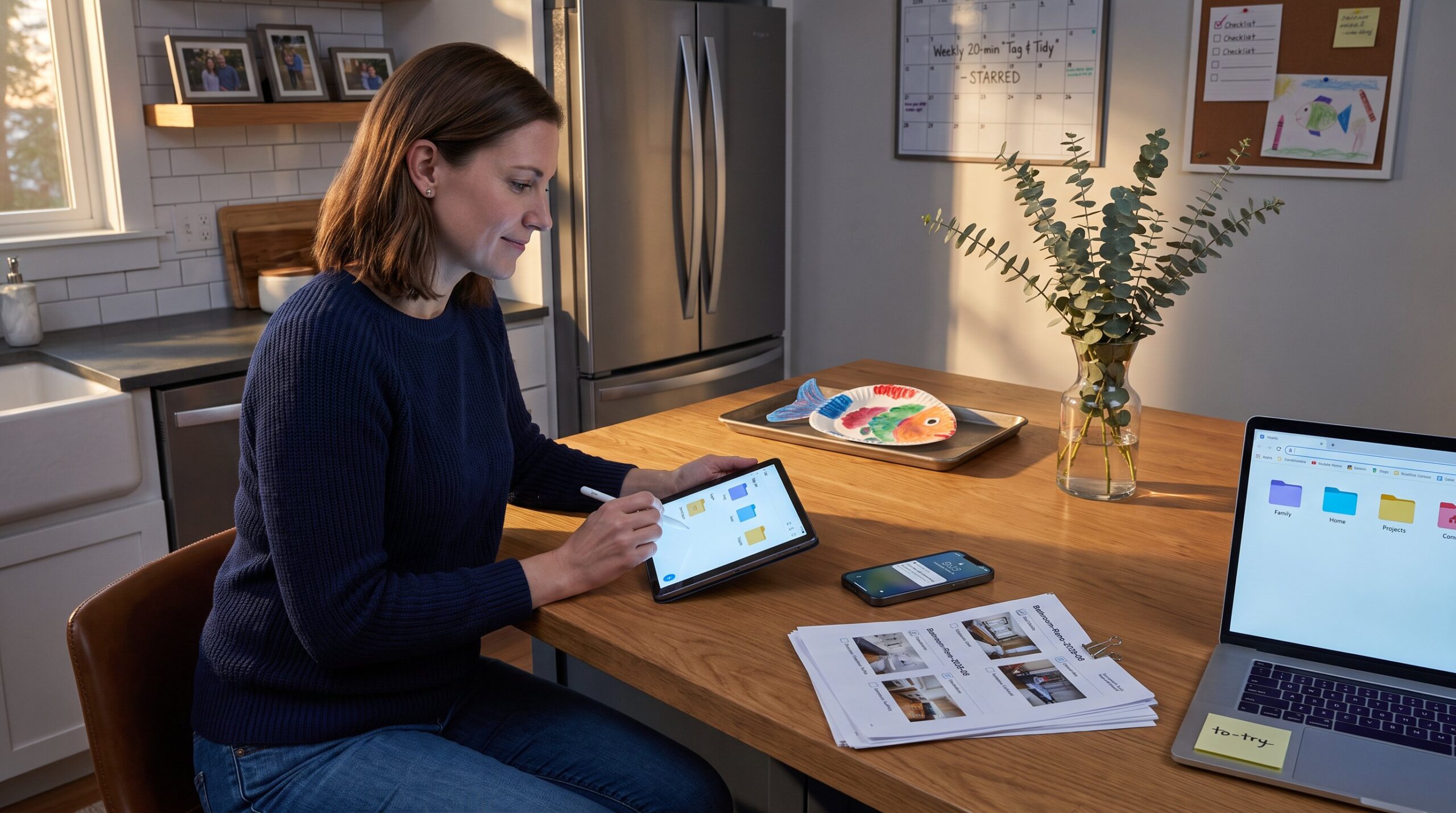
Direct answer: build a two‑level system, broad collections plus 2–4 precise tags per item. Collections act like drawers: “Family,” “Home,” “Finances,” “Health,” and “Projects.” Inside “Family” create subcollections: “Parenting,” “Education,” “Activities.” Inside “Home” add “Cleaning,” “Cooking,” “Repairs,” “Decor.”
Tagging rules: add no more than four tags per article. Use one action tag (e.g., weeknight-dinner, deep-clean), one audience tag (toddlers, teens), one status tag (to-try, reference), and one topic tag (plumbing, budgeting). Short tags keep search fast.
Example entry: a winter furnace maintenance guide goes into collection “Home > Repairs” with tags hvac, seasonal-maintenance, checklist, reference. A kid craft tutorial sits in “Family > Activities” with tags kids-activity, indoor, toddler, to-try.
Small vulnerability: the author once used 30 tags per article and then never found anything. The lesson: deliberate limits beat chaotic detail. Two clear folders and a maximum of four tags create findability without overwork.
Practical additions: star or favorite the 5–10 highest-value items so they appear at the top of searches. When a saved piece spawns a project (e.g., bathroom reno), move the strongest references into a dedicated “Projects” collection and export the top checklist to a cloud folder for offline use.
Keeping Articles Accessible Across Devices And Offline
Core insight: access matters more than storage. Choose tools with cross‑platform apps and robust sync. If an article isn’t available on the phone when needed, it effectively never existed.
How to ensure access: enable offline download in the app settings and test by turning on airplane mode. The article should open exactly as it did online. For long projects, export the key pages as PDFs and store them in a shared cloud folder labeled “Home Reference.” That folder can live in Google Drive or Dropbox and contain annotated checklists and photos.
Specific numbers: set offline retention to at least 90 days for project pages. For projects longer than a month, export three PDFs: checklist, parts list, and step‑by‑step guide. Store them in a folder named with the project and date (e.g., “Bathroom-Reno-2026‑06”).

Practical tool note: some bookmarking apps show a visual preview and do not save full text. For true offline use, prefer a read‑it‑later app that saves the full article HTML or PDF.
Related resource: when planning home projects or looking for inspiration, curated project lists can help. One reputable collection of home projects shows tactics and steps that match many household needs and complements saved guides: home projects.
Practical Habits: When To Save, How To Review, And Declutter
Straight answer: save immediately when useful, review weekly, declutter monthly. That rhythm keeps the library fresh without becoming a burden.
When to save: if an article offers a reusable process or checklist or will be consulted during a multi‑week project, save it. If it’s a one-off recipe for tonight and the recipe source is reliable and easy to search, skip saving.
Weekly routine (15–30 minutes): open the read‑it‑later app, tag new articles, move them into the right collection, star the top three, and archive or delete duplicates. This short session reduces future search time and keeps the collection roughly current.
Monthly declutter: delete unread items older than 3–6 months unless they are clearly evergreen. Concrete metric: if an item hasn’t been opened in 180 days and isn’t starred, archive it. Archiving moves it out of sight without permanent deletion.
A human moment: one family confessed they felt guilty about hundreds of unsorted saved links. Setting a 20‑minute weekly habit removed the guilt. They now average finding a recipe in 45 seconds instead of 12 minutes, a measurable win.
Cross-linking tip: connect saved items to related site content when relevant. For example, pairing a cleaning checklist with a practical list of verified home hacks reinforces value and keeps the collection focused: consider reading specific tips from the site’s curated list of home hacks to pair with saved cleaning guides through a short internal link to related content on the site: time-saving home hacks.
Conclusion
A single synced tool, a constrained folder and tag system, and 15–30 minutes of weekly maintenance transform chaotic bookmarks into a reliable household reference. They cut search time, keep projects moving, and make useful family and home information available when it matters most. Start small, admit mistakes, prune regularly, and the saved library will reward the effort.